 Bridge Code
WindowsThis device
Windows 10/11, x64. Installs per user, so you don't need admin rights.
v1.3.0Installer (.exe)10/2/2026
Bridge Code 1.3.0 — 새 이름 Bridge Code, 새 주소 bridge-code.com
macOS · Windows · iPhone · Web
Install it on every PC that runs sessions. On your phone, connect with the app or a browser.
Windows 10/11, x64. Installs per user, so you don't need admin rights.
v1.3.0Installer (.exe)10/2/2026
Bridge Code 1.3.0 — 새 이름 Bridge Code, 새 주소 bridge-code.com
macOS 14 or later, Apple silicon. The app keeps itself up to date.
v1.3.0Disk image (.dmg)40MB10/2/2026
Bridge Code 1.3.0 — 새 이름 Bridge Code, 새 주소 bridge-code.com
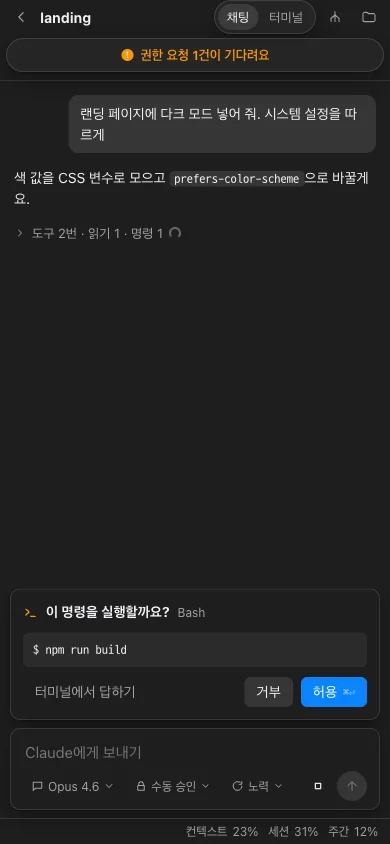
TestFlight beta. For now, only invited testers can install it. An App Store release is on the way.
Views sessions, doesn't run them · Pro plan
Sign in from a browser on your phone or another PC and pick up your sessions instantly. Available on Pro. Everything is end-to-end encrypted, so our servers only ever relay encrypted data.
Right in your browser · Pro plan
.exe you downloaded..dmg you downloaded.